Customising Word
To adapt Microsoft Office Word to each student's needs, there are two main tools: templates and the configuration of the toolbar buttons.
An interesting and practical option is to use the "Adaptacions Word", which you can find on the Materials Educatius website. This application lets you choose from several pre-configured templates designed for different school levels, including options for maths and speech synthesis.
In some cases, however, it may be worth customising these options individually. The following videos show how to do it.
If something does not work for you after trying it out, or if you have any questions, you can contact us at utac@ub.edu.
Remember that once a video is playing, you can click on it to watch it in a larger format.
-
Creating templates
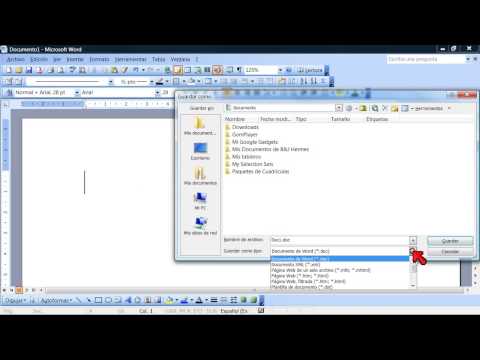
Having customised templates means we do not have to change the font and font size (among many other things) every time we open the program.
-
Using large buttons
A very simple way to make Word's buttons and icons bigger, which helps both visually and with mouse precision.
-
Customising buttons
We often have many more buttons on screen than we actually need. With this procedure we can keep only the buttons we want and add the ones we use regularly that are not on the default toolbar. If we also enlarge them and use a template, we end up with a much simpler Word.