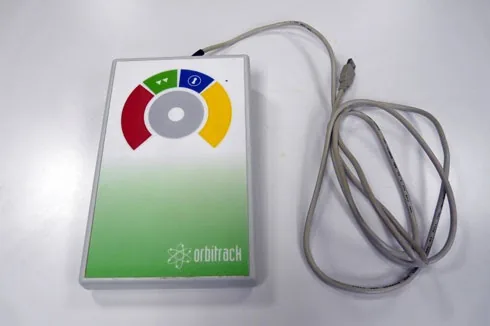
Mice
Trackballs
-
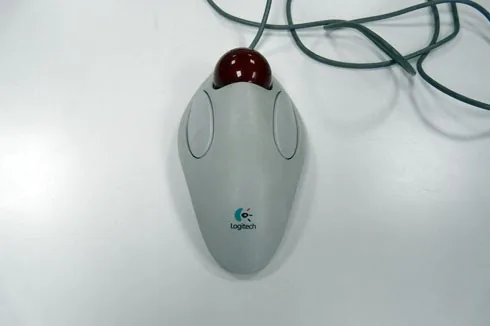
Marble Mouse by Logitech
-
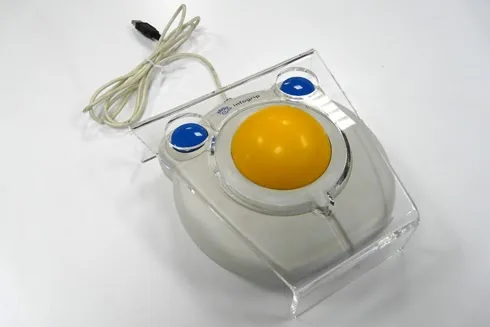
BIGTrack Trackball by Infogrip with keyguard
-
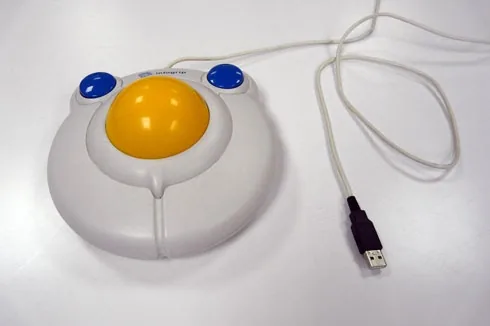
BIGTrack Trackball by Infogrip
-
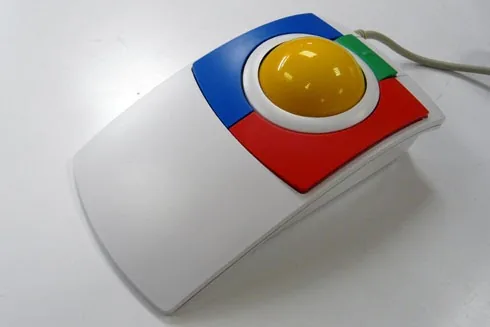
PC-Track by ClearlySuperior Technologies
-
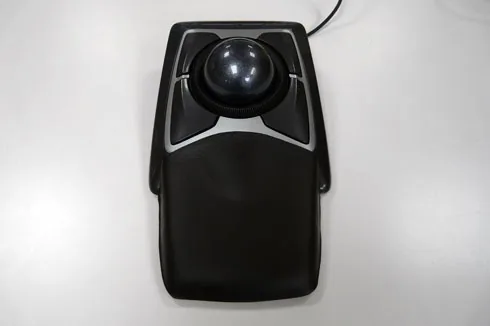
Expert Mouse Optical by Kensington
Joysticks
-
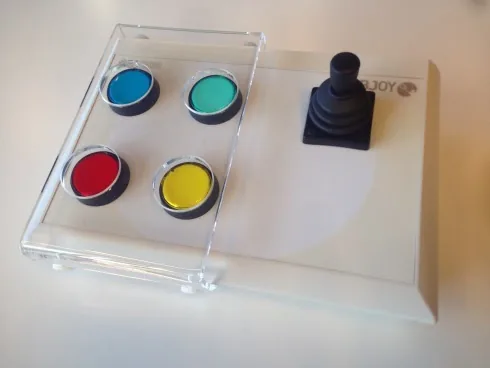
Sensitive programmable joystick with large button panel and keyguard, BJoy Stick A
-
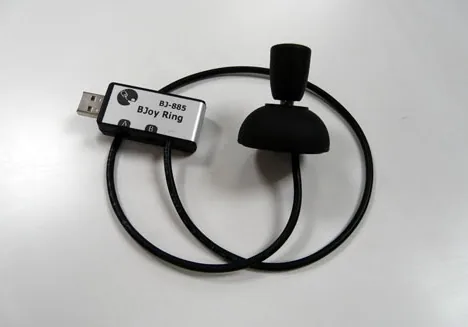
BJoy Ring (an adapter for a powered wheelchair joystick so that it can be used as a computer mouse)
-
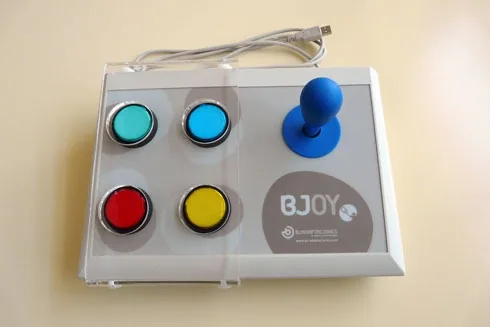
Programmable joystick with large button panel and keyguard, BJoy Stick B
-
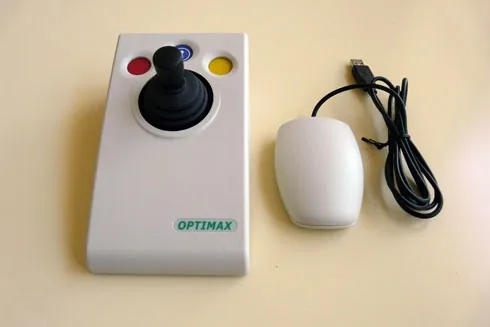
Wireless joystick Pretorian Optimax
-
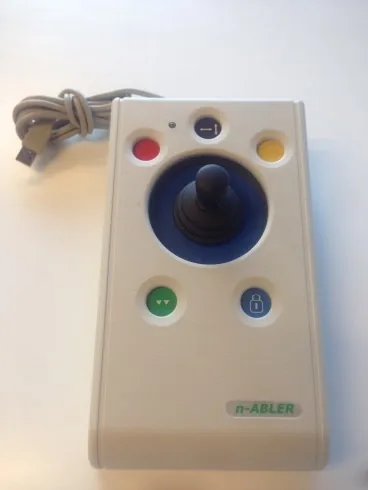
Joystick with 5 buttons Pretorian n-Abler
-
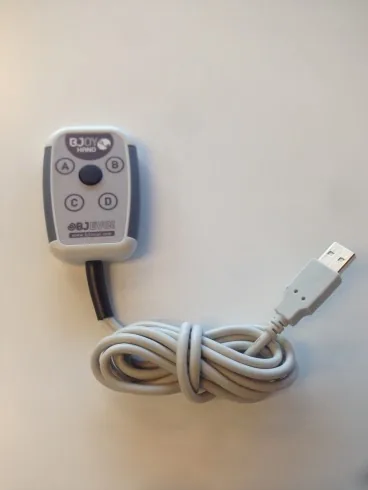
Finger joystick BJoy Hand A
With head or eye movement
-
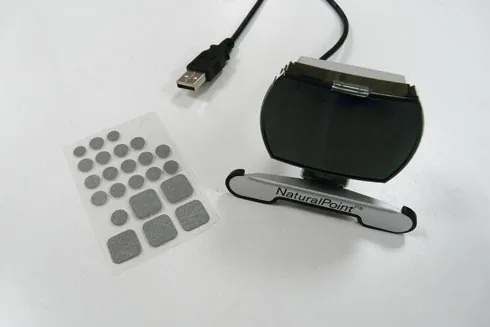
SmartNav by NaturalPoint, moves the mouse pointer with head movement (you can see people using this access method in the Examples of use section)
-
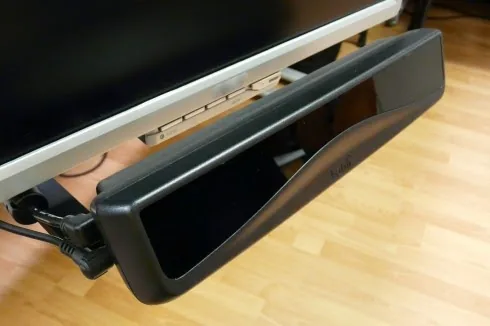
PCEye by Tobii, moves the mouse pointer with the eyes
Multimouse
-
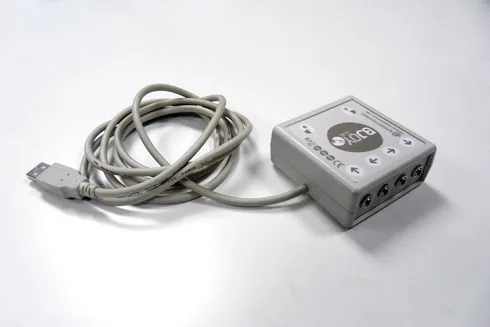
Connection box for creating a mouse with four, five or six switches, BJoy Clic
-
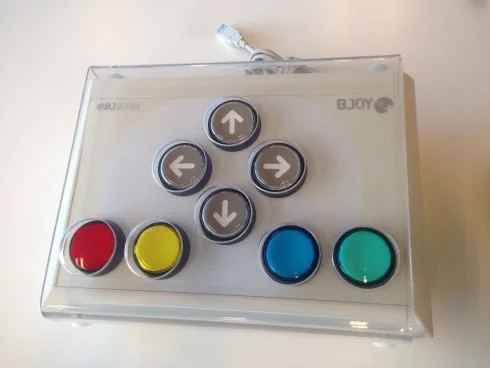
Button mouse BJoy Button
Finger contact
-
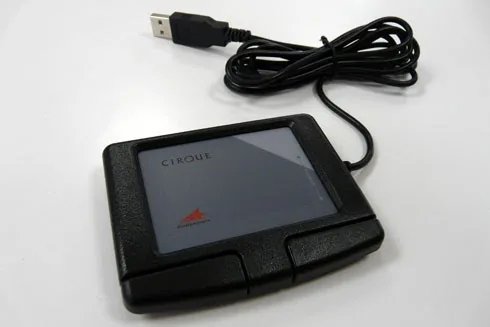
External touchpad, Easy Cat by Cirque
-